


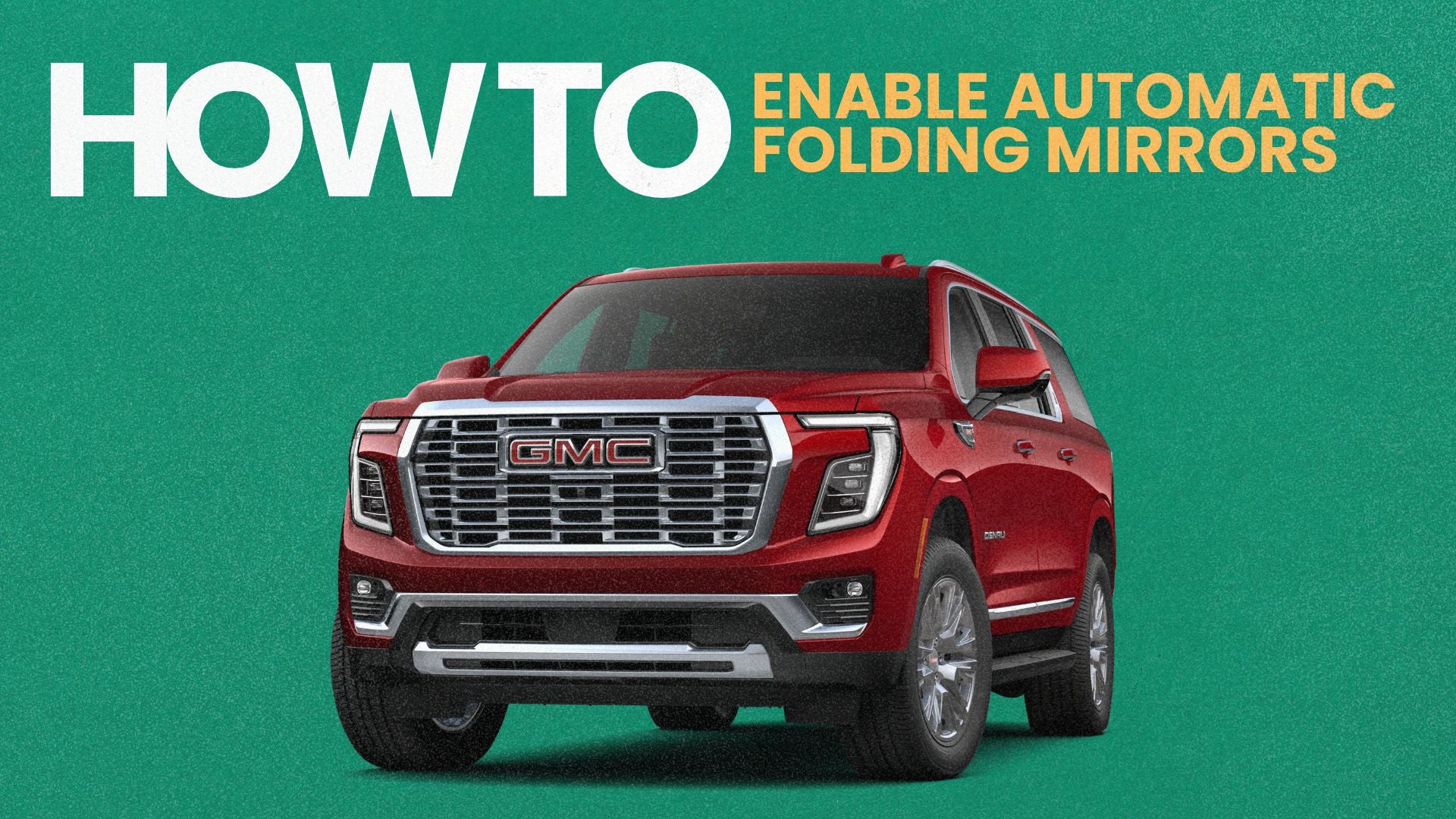
This feature can be especially useful when parking in a garage, navigating tight parking spaces, or leaving your Yukon in a crowded parking lot.
How to Enable Remote Mirror Folding
If your GMC Yukon is equipped with power-folding mirrors, follow these steps using the center touchscreen:
- Open Settings. Tap the Settings icon on your Yukon's infotainment screen.
- Select Vehicle. Find and open the Vehicle settings menu.
- Choose Comfort and Convenience. This menu contains several customizable vehicle features.
- Find Remote Mirror Folding. Scroll until you see the Remote Mirror Folding setting.
- Turn It On. Select the toggle to enable the feature.
Once enabled, your Yukon's mirrors can automatically fold when you lock the vehicle and unfold when you unlock it.
Why Use Automatic Folding Mirrors?
The feature offers a few everyday benefits:
- Tight parking spaces: Folded mirrors reduce how far the mirrors extend from the vehicle.
- Garage parking: Helpful when parking in a garage with limited side clearance.
- Everyday convenience: No need to manually fold the mirrors each time you park.
Keep in mind that this feature requires the appropriate vehicle equipment. Operation may also depend on how the mirrors were previously folded.
Learn More About Your GMC Yukon
The 2026 GMC Yukon and Yukon XL include several customizable features designed to make daily driving more convenient.
At Dave Sinclair Buick GMC in St. Louis, we enjoy helping drivers understand and get more out of their vehicles.
Explore our latest GMC Yukon and Yukon XL models, or contact our team to learn more about the features available on individual vehicles.